

The Live Activity comes with trip recording, which is part of Pro.

Your trip on CarPlay, the Lock Screen and Dynamic Island
While a trip is recording, MyAuto shows it as a Live Activity: with Pause and Finish buttons on the Lock Screen and in Dynamic Island, and with its distance and time on the CarPlay screen. MyAuto isn’t a separate CarPlay app. Trip recording and the Live Activity are part of Pro
Updated:
21:44 


Start driving


84 km
1 h 7 min1,284 km
Finished 12 h 46 min 
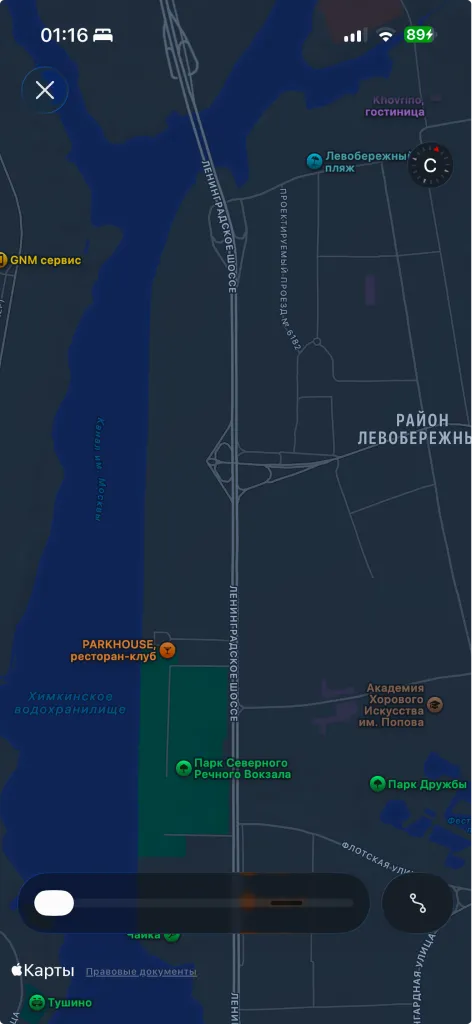
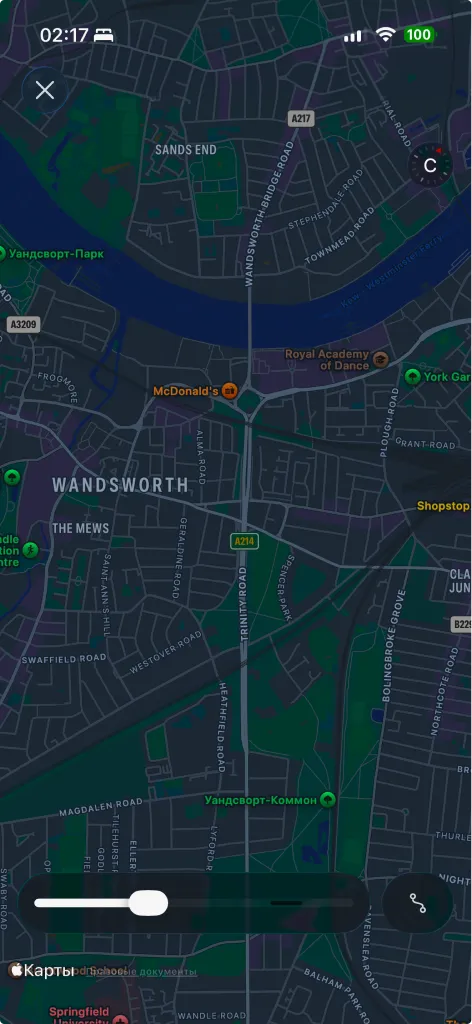

Start the trip. Keep your eyes on the road
Everything you need while driving, without opening the app
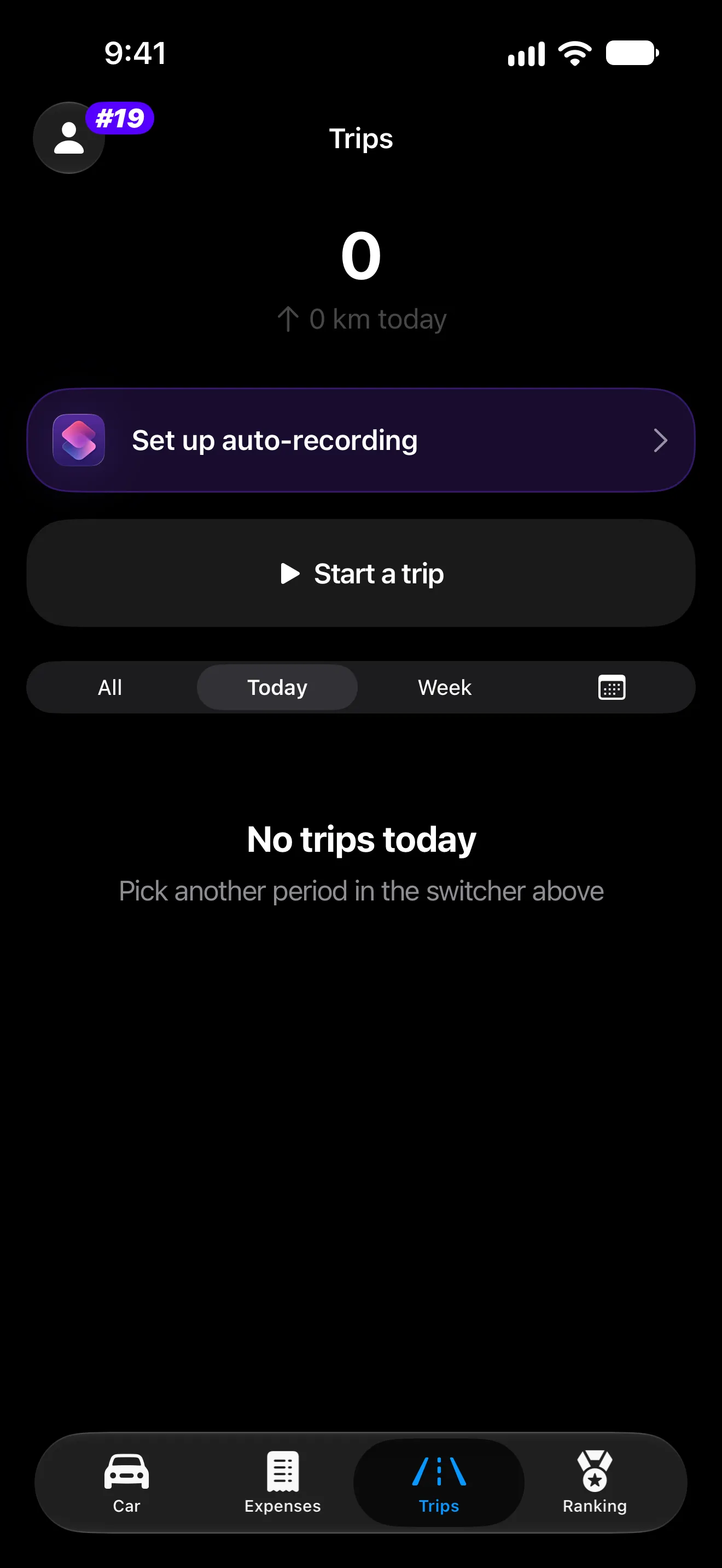
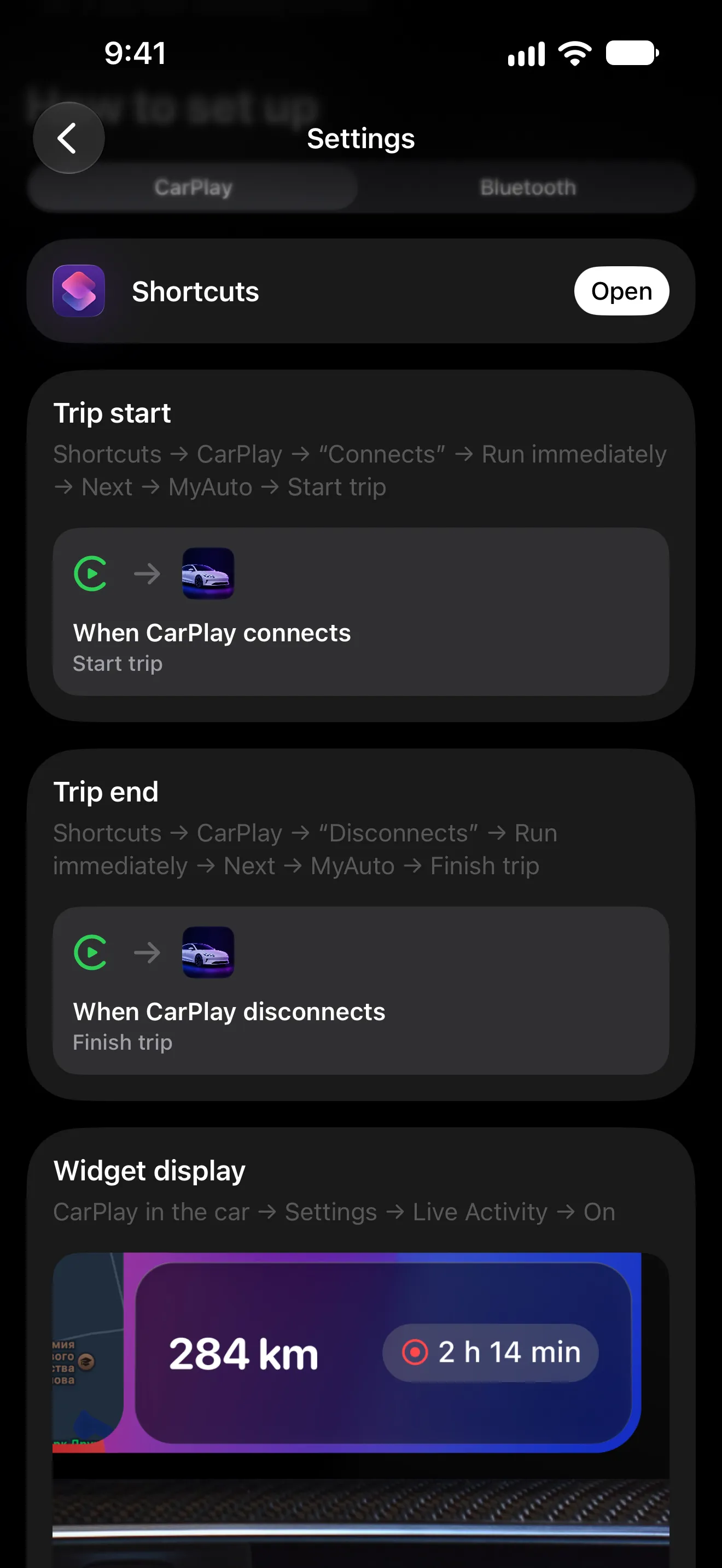
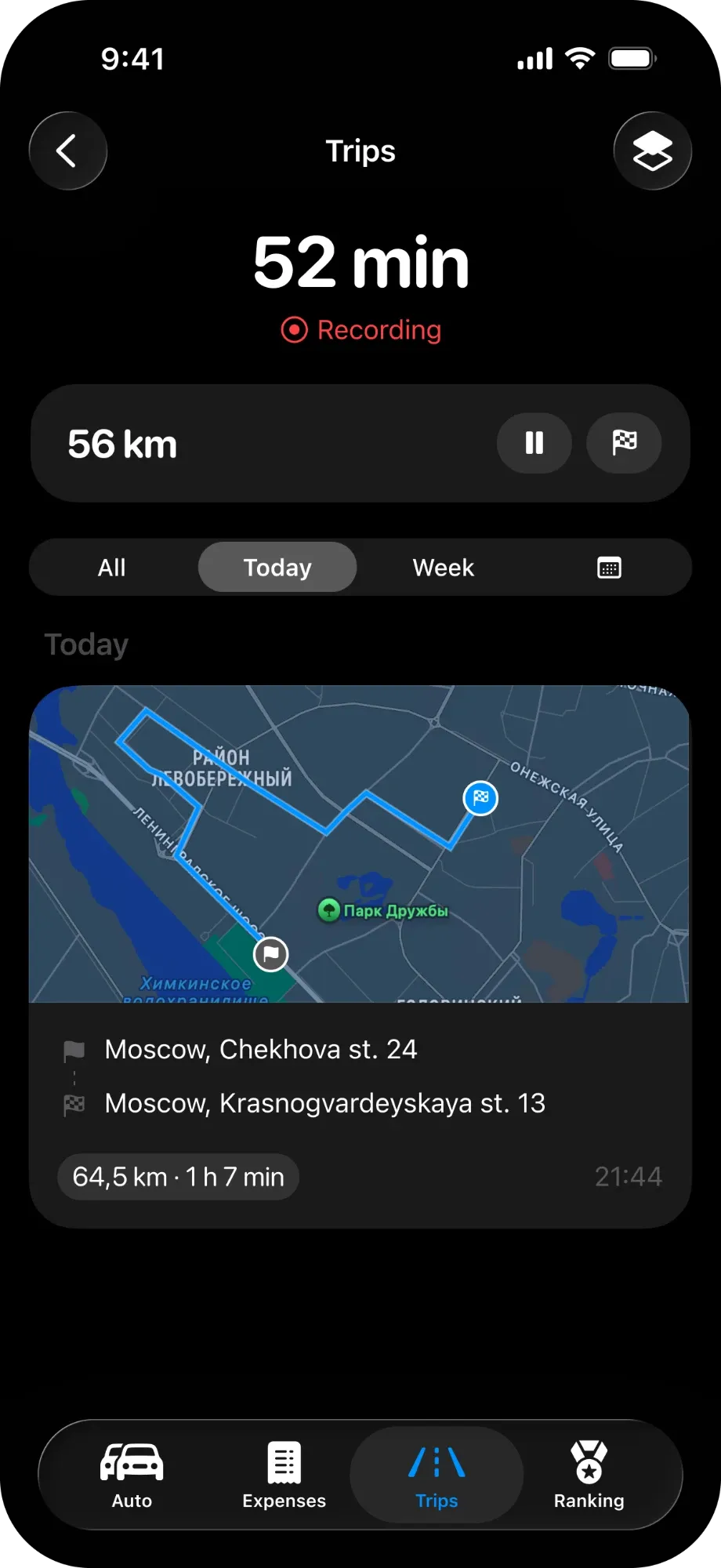
- 01
From the app, the Lock Screen or a Shortcuts automation that runs when your iPhone connects to CarPlay.
- 02
On the CarPlay screen: Settings → Live Activity → On. MyAuto shows this step under the trip settings too.
- 03
Distance and time on the CarPlay screen; Pause, Resume and Finish on the Lock Screen and in Dynamic Island.
What the Live Activity does
-
CarPlay card
The current trip’s distance and time on the car’s screen, next to maps and music.
-
Lock Screen controls
Start, pause, resume and finish the trip without opening the app.
-
Dynamic Island
The trip stays in view while you use other apps, with the same controls.
-
Choose the car
Pick which car the trip belongs to right from the Live Activity.
-
Add a fill-up
Jump straight to a new fill-up from the active trip.
What’s free and what’s Pro

- Live Activity with trip controls
- CarPlay card with distance and time
- Hands-free start when CarPlay connects
Pro is monthly, yearly or Lifetime; the price is shown in the App Store before you pay. Compare Free and Pro
Requirements and limits
- MyAuto isn’t a CarPlay app: on the car’s screen it appears as a Live Activity card.
- The card is turned on in the car: CarPlay → Settings → Live Activity.
- The CarPlay card shows distance and time; the buttons are on the Lock Screen and in Dynamic Island.
- MyAuto is made for iPhone and needs iOS 18 or later.
Questions and answers
Is MyAuto a CarPlay app?
No. MyAuto shows the current trip on the CarPlay screen as a Live Activity card with its distance and time.
How do I show the trip on CarPlay?
Start a trip, then on the car’s screen open CarPlay settings and turn on Live Activity.
Can I control the trip from the Lock Screen?
Yes. Start, pause, resume and finish from the Lock Screen or Dynamic Island, pick the car or jump to a new fill-up.
Can a trip start by itself when I connect to CarPlay?
Yes, with a Shortcuts automation: start the trip when CarPlay connects, finish it when CarPlay disconnects. MyAuto shows the steps in its settings.
Works well with
Start with one car It’s free
Download MyAuto, add your car and log the first record. Pro is there when you want trips and statistics
Get MyAuto — free  iOS 18+ CarPlay

